Getting started
Desktop app
Download Zo – a cloud computer, on your desktop.
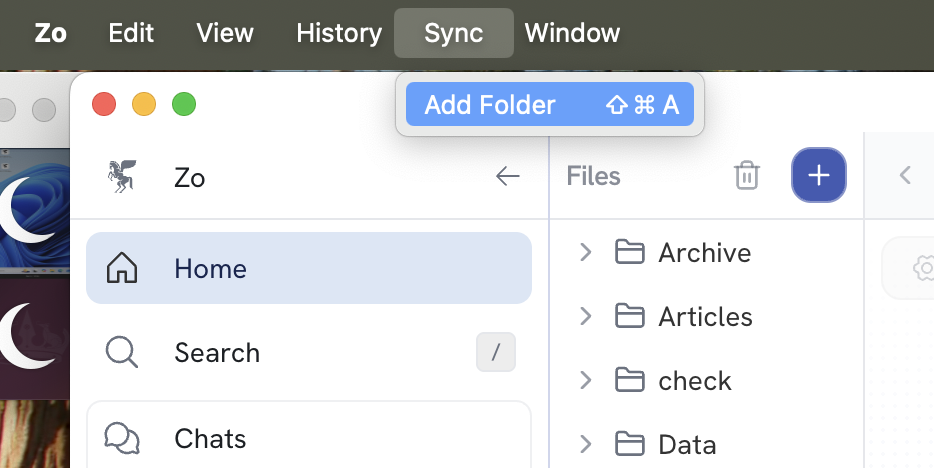
Zo's desktop apps include all the same functionality as the web app – plus the ability to sync files between your computer and your Zo workspace.
Download#
-
Note
Windows may display a SmartScreen warning saying the app is unrecognized. Click More info → Run anyway to proceed.
-
Linux (.deb, x64 · .deb, arm64)
Note
The Linux app ships as a Debian/Ubuntu
.debpackage. Install it withsudo apt install ./Zo.deb(or your distro's package manager).
Syncing files#
The Zo desktop app includes built-in file syncing. Any folder you choose on your computer will stay in sync with your Zo workspace.