Advanced features
Connect GitHub
How to connect your GitHub account to Zo
GitHub is a popular service for hosting and collaborating on software projects. The GitHub CLI comes pre-installed on your Zo and is the easiest way to connect to GitHub.
1. Create a new personal access token#
To authenticate the GitHub CLI, first Create a new personal access token (classic).
You must select repo, read:org, and gist (and can select additional permissions if you need these on your Zo).
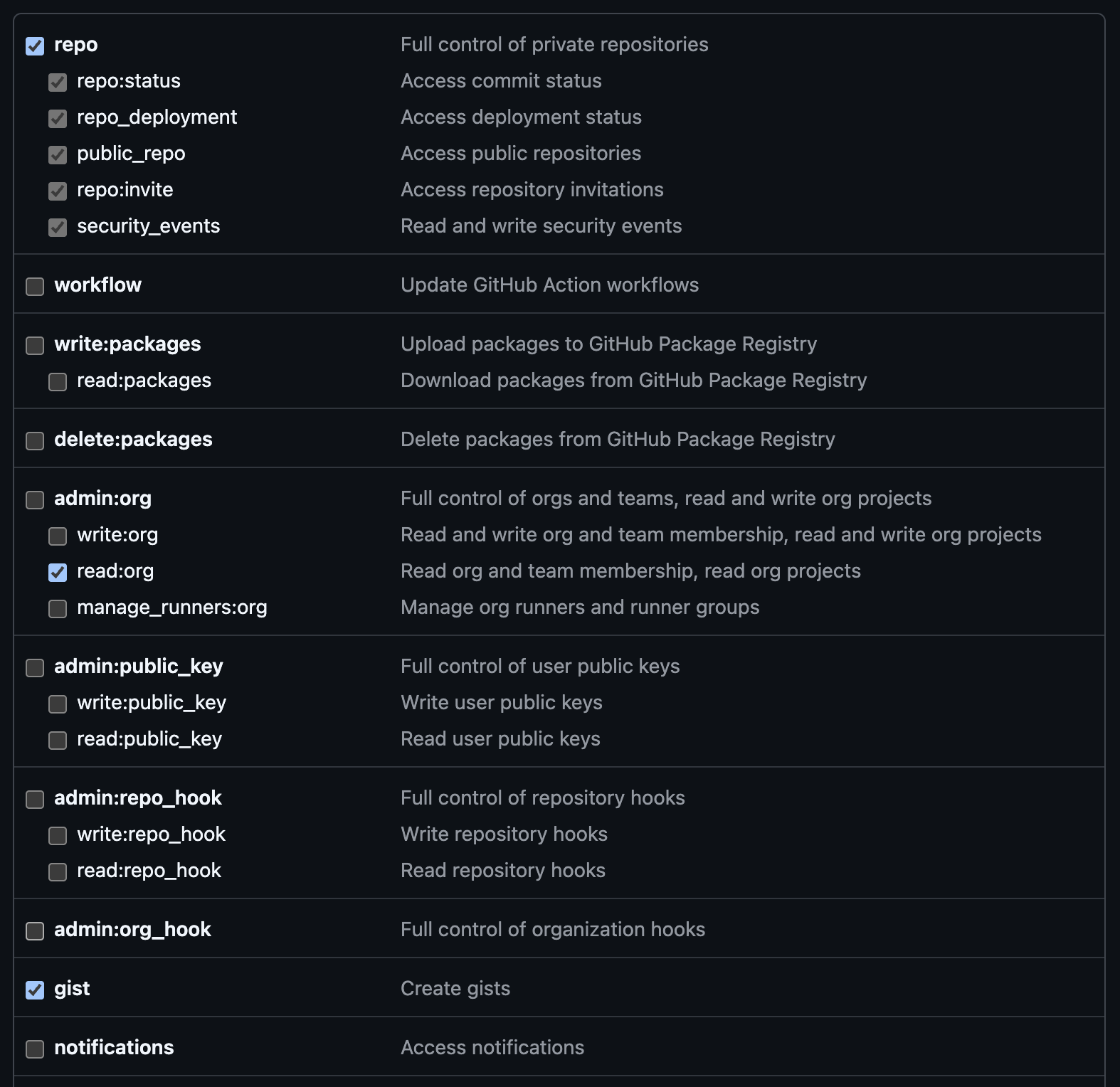
Reference: gh auth login.
2. Authenticate the GitHub CLI#
After creating your personal access token, authenticate the GitHub CLI by running the following command in your Zo application's terminal:
That's it! You (and your Zo) can now use the GitHub CLI to work with your code and automations on GitHub. To learn more about what the GitHub CLI can do, check out the manual.